To-do List Runner

Create and deploy a CRUD runner backed by MongoDB. This runner will store to-do items in a `todo` collection and expose standard read/write endpoints for the rest of the exercise.

This exercise creates the backend microservice for the to-do list. You will define the MongoDB-backed state, wire it into a CRUD runner, deploy it, and confirm it responds to basic read/write calls.

Before you start

  • You can access the Devops app.

  • The platform has a MongoDB system Element available (typically system-mongo_master-0001).

  • You know your Admin UI base URL: https://[YOUR_ADMIN_UI_DOMAIN].

circle-exclamation

What you’ll build

  • State Element: state-todo-0001 backed by MongoDB collection todo

  • Runner: todo-0001 based on Base CRUD

  • Deployment (K8s example): example-0001

  • Runner endpoints (internal): /api/todo/todo

1

Open the Elements screen

Open the Elements screen from the Devops app.

Unless you changed routing, the UI is at https://[YOUR_ADMIN_UI_DOMAIN]/app/devops/common/element.

Element Screen
2

Create a State Element (MongoDB collection)

Click CREATE NEW to start a blank Element.

Create New Button

Assign the Element ID from the top-left ID: field:

  • state-todo-0001

chevron-rightID conventions (optional)hashtag

Prefer readable IDs for exercises and examples. It makes logs, tracing, and migrations easier to follow.

circle-info

Stick to alphanumerics plus - and _. Use a numeric suffix (like -0001) when you expect multiple copies.

Fill in the DEFINITION and STATE DEFINITION tabs and save:

State Definition Tab
  • DEFINITION

    • Element Name: Todo

    • Element Type: STATE

    • Element Status: ACTIVE

    • Element Description (optional): Example todo list data store

  • STATE DEFINITION

    • Manager: Mongo State Manager

    • System: mongo_master

    • Collection: todo

This creates a state backed by MongoDB Collection. It reuses the existing mongo_master system configuration.

circle-info

Why define a State as an Element?

Elements are reusable building blocks. They keep runners small and composable.

When you centralize state and system config as Elements, you avoid duplicating connection details across many runners.

3

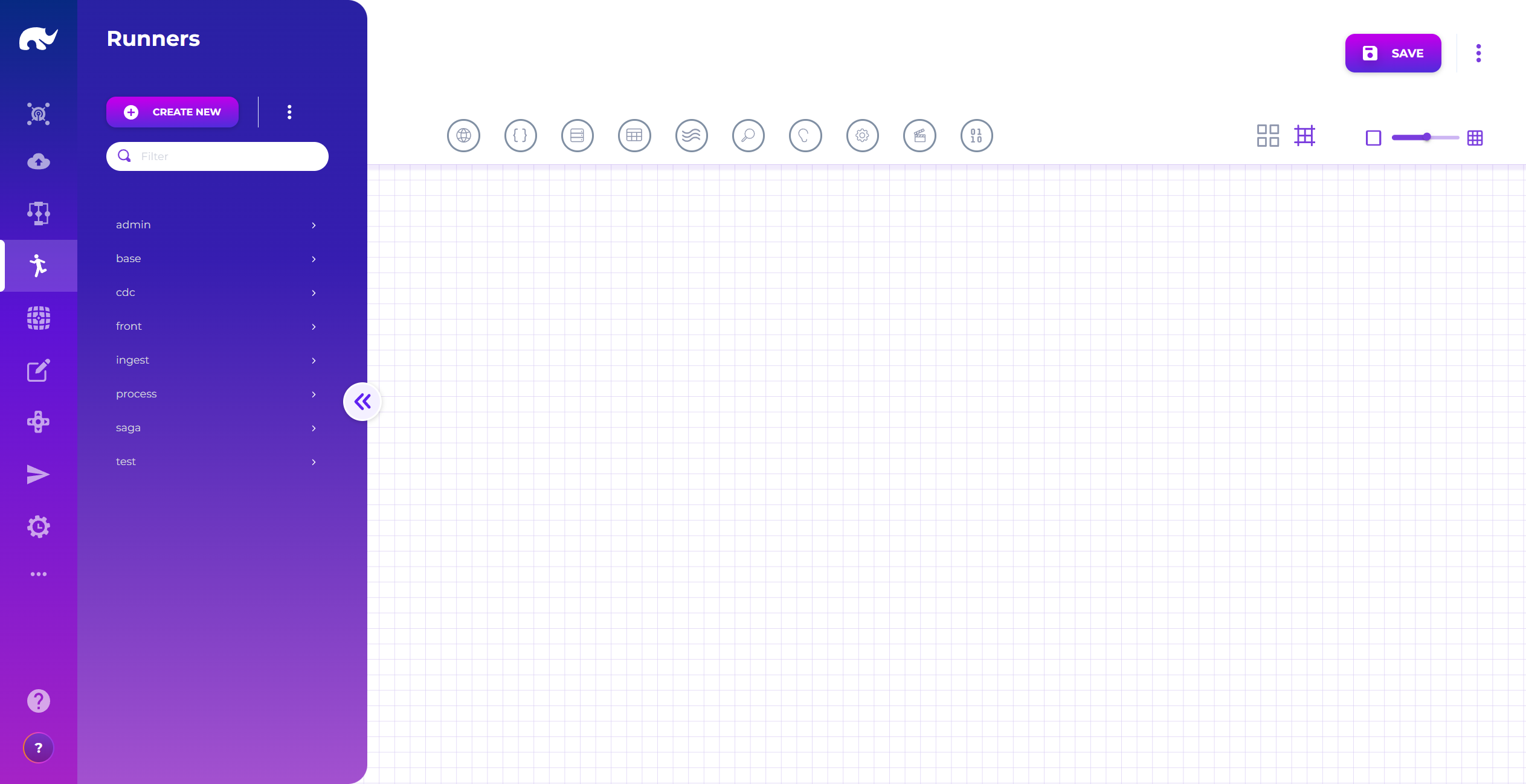
Open the Runner screen

Open the Runners screen from the Devops app.

Unless you changed routing, the UI is at https://[YOUR_ADMIN_UI_DOMAIN]/app/devops/common/runner.

Runner Screen
4

Create a CRUD runner

Click CREATE NEW and set the Runner ID:

  • todo-0001

Click the Definition icon (circled edit icon) to open runner metadata.

Definition Button

Fill in:

Runner Definition Screen
  • Runner Name: Todo

  • Runner Status: ACTIVE

  • Runner Domain (optional): admin

  • Base Runners: Base CRUD

  • Runner Description (optional): CRUD runner for todo list management.

Close the dialog to apply changes.

circle-info

Using Base CRUD gives you standard read/write behavior. You only need to plug in a State.

5

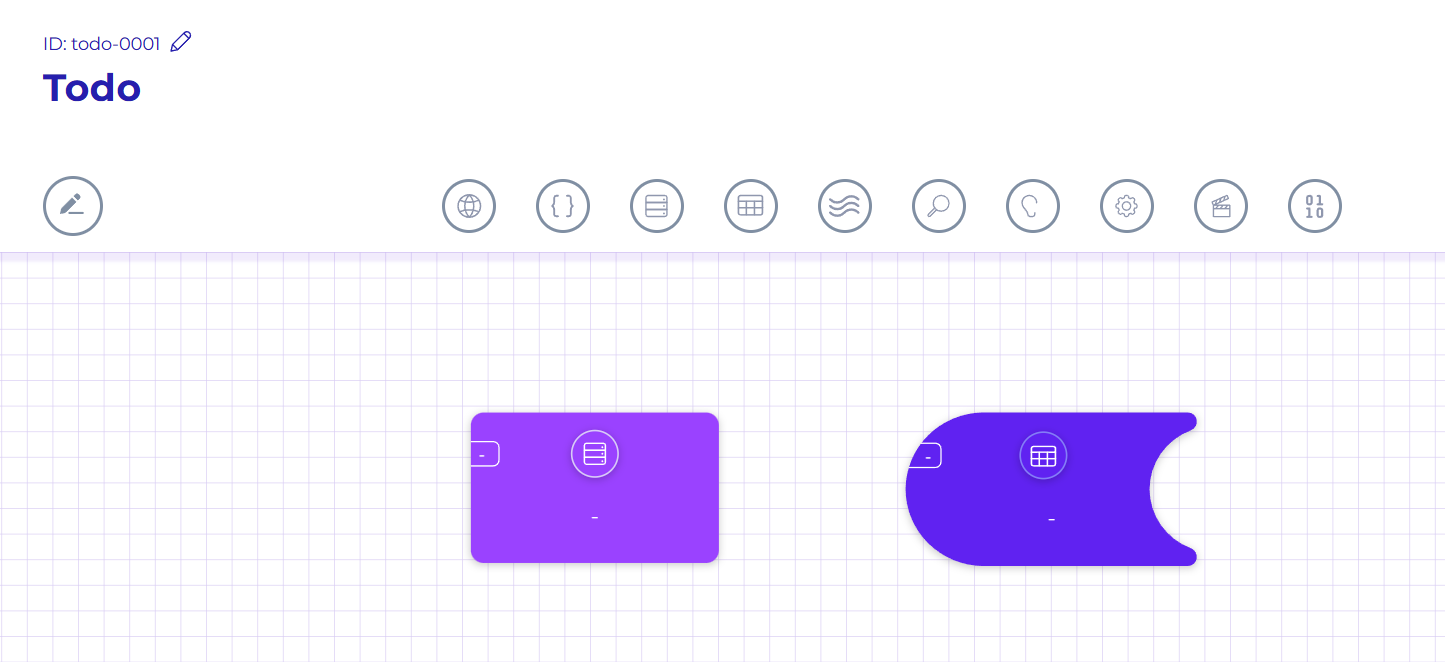
Add Elements to the runner graph (System + State)

Drag a System element and a State element from the stencil.

Runner Stencil

Your graph should look like this:

Runner Elements
6

Configure the System member (mongo_master)

Select the System node. Click the pencil icon.

System Selection Screen

Set:

  • Element: system-mongo_master-0001

  • Member Type: OPERATION

  • Alias: mongo_master

  • Description (optional): MongoDB system for master collections

Click APPLY.

circle-info

Why use aliases?

Aliases let you swap the underlying Element later without rewriting every reference. They also let you reuse the same Element multiple times with different overrides.

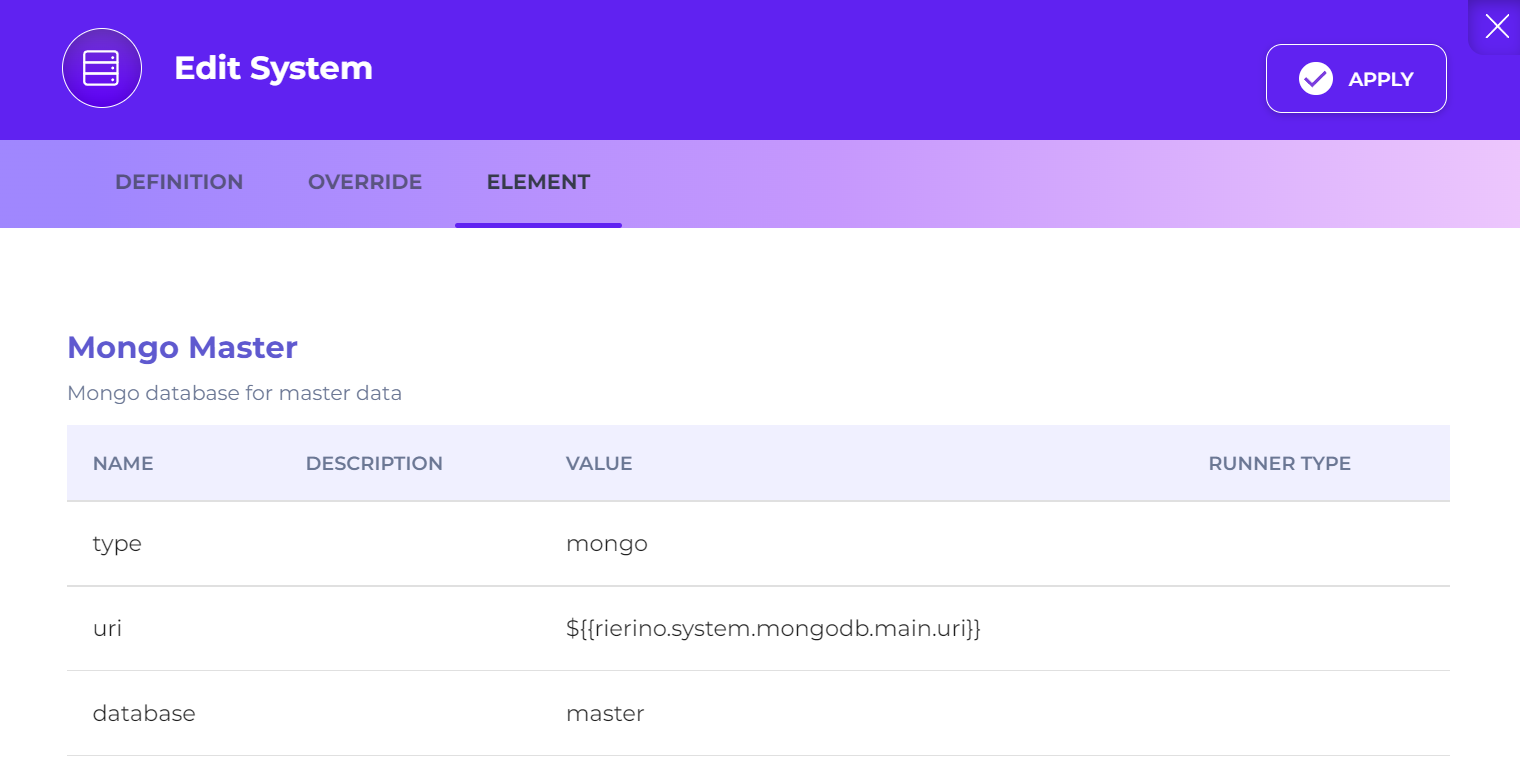
Optional: open the ELEMENT tab to review the system parameters.

System Element Screen
7

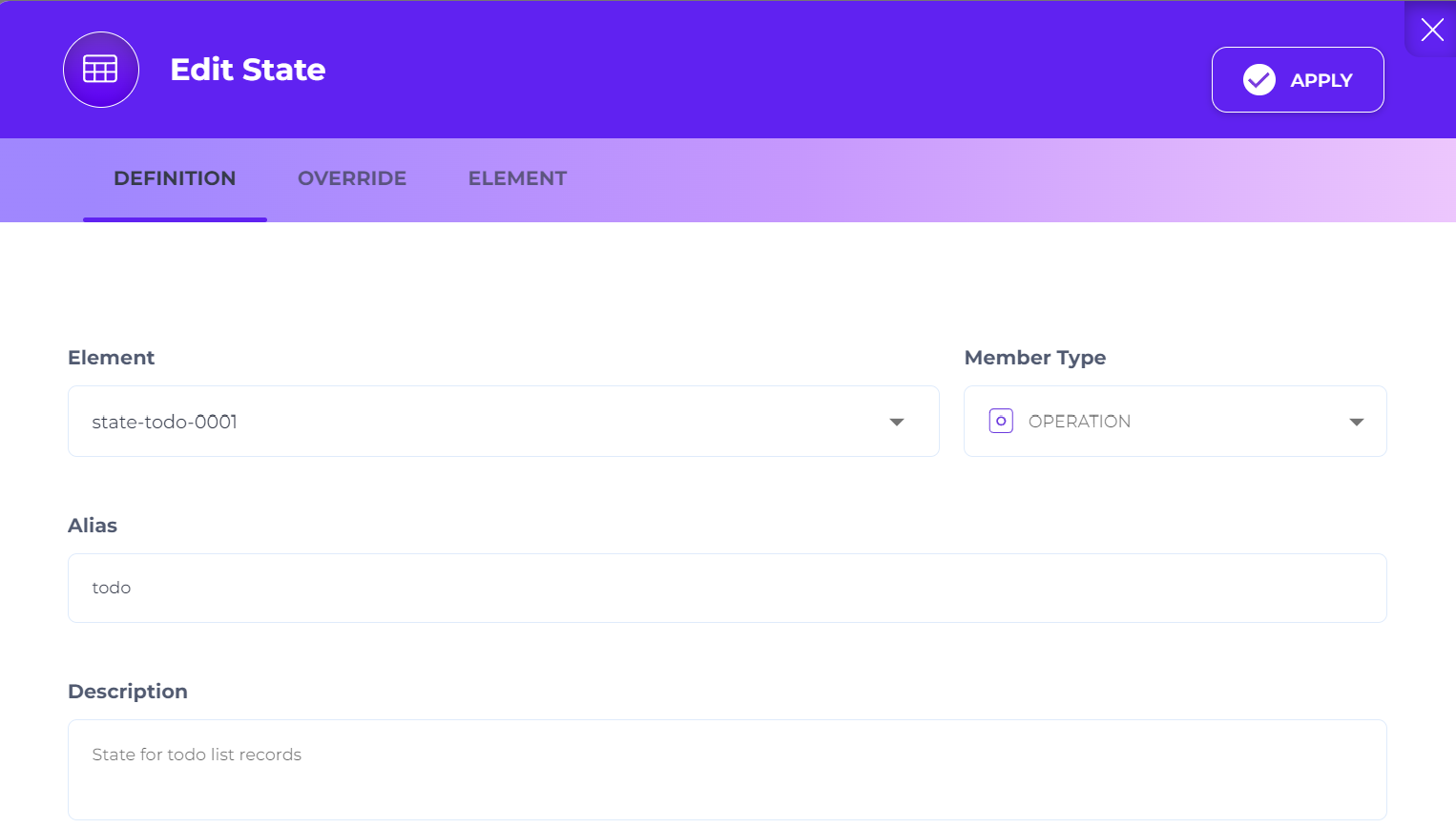
Configure the State member (todo)

Select the State node. Click the pencil icon.

State Selection Screen

Set:

  • Element: state-todo-0001

  • Member Type: OPERATION

  • Alias: todo

  • Description (optional): State for todo list records

Click APPLY.

At this point, the runner has everything it needs to execute CRUD operations. Save the runner.

8

Create a Deployment (K8s environments)

Open the Deployments screen from the Devops app.

Unless you changed routing, the UI is at https://[YOUR_ADMIN_UI_DOMAIN]/app/devops/common/deployment.

Click CREATE NEW and set the Deployment ID:

  • example-0001

Fill in DEFINITION:

Deployment Definition Screen
  • Name: Example Runners

  • Status: ACTIVE

  • Description (optional): Deployment package for execution of example runners

  • Runners

    • Name: todo

    • Class: CRUD Runner

    • Element: todo-0001

    • Deployment Version: 1

circle-info

Why deploy separately from the runner definition?

Runners define behavior. Deployments define where and how it runs (namespace, replicas, versioning).

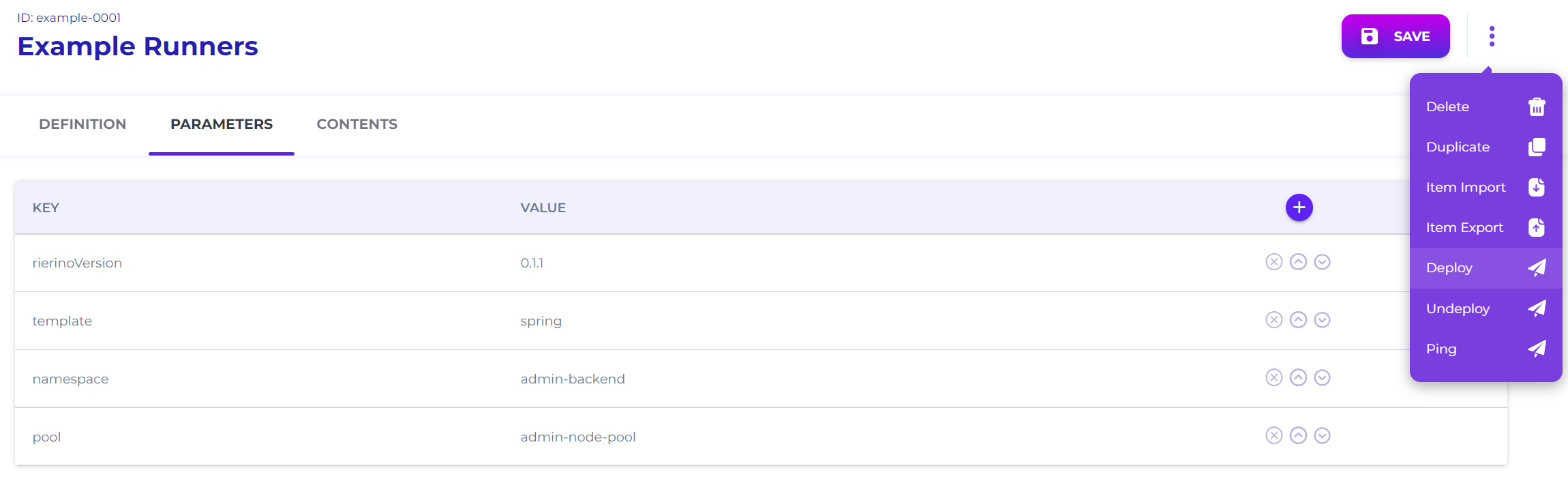
Switch to PARAMETERS and set (adjust to your environment):

Deployment Parameters Screen
  • rierinoVersion: ENTER YOUR VERSION

  • template: spring

  • namespace: admin-backend

  • pool: admin-node-pool

Click SAVE.

circle-info

For scale, set replicaCount to 2+. For deeper logs, set logLevel to DEBUG.

9

Trigger the deployment

From the top-right deployment menu, click DEPLOY.

Deployment Action Menu

Wait for your pipeline to finish. You should also see a UI notification that the request was sent.

10

Test the runner (without gateway)

In most K8s setups, runners are not publicly exposed. They are reachable from inside the cluster or through Gateway Servers.

If you want to test immediately, exec into the runner pod:

kubectl exec -ti --namespace=admin-backend deployment/runner-example-0001-deployment -- /bin/bash

Then call the local endpoints:

# should return status:"UP"
curl localhost:1235/actuator/health

# should return the newly created record
curl -X POST -H "Content-Type: application/json" \
  -d '{"data": {"name": "Take out trash", "project": "Personal"}}' \
  localhost:1235/api/todo/todo/1

# should return a list including the new record
curl localhost:1235/api/todo/todo

Once these work, you are ready to expose the service through the gateway.

Next step

Expose the runner over an external API path in To-do List Gateway.

Troubleshooting

  • Can’t find system-mongo_master-0001: confirm your installation includes the default Mongo system element. If not, create a Mongo System Element first.

  • State writes fail: confirm mongo_master points to a reachable MongoDB and that the user has write access.

  • /actuator/health not reachable: the deployment may still be starting. Check pod status and logs.

  • UI deployment disabled: you are likely on Sandbox. Apply the runner to an existing deployment and restart the container(s).

Last updated